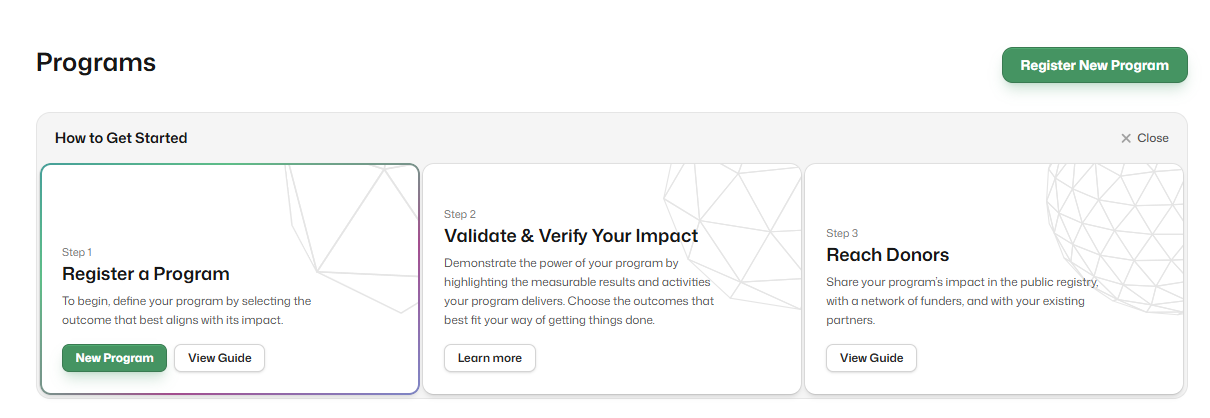
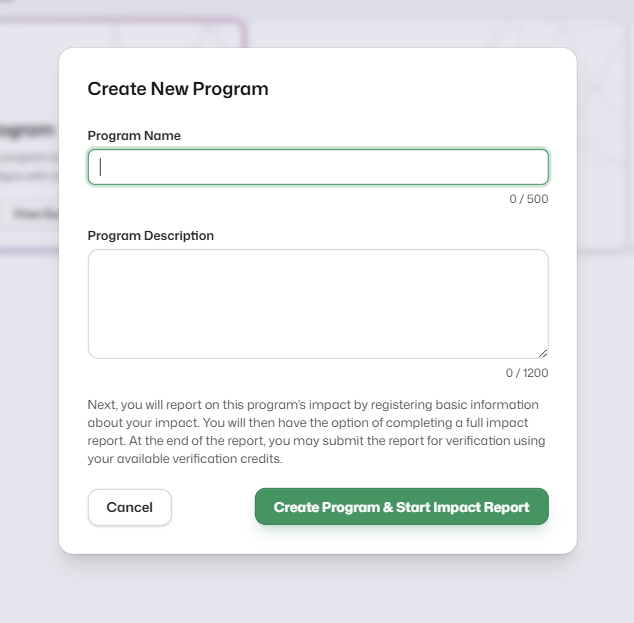
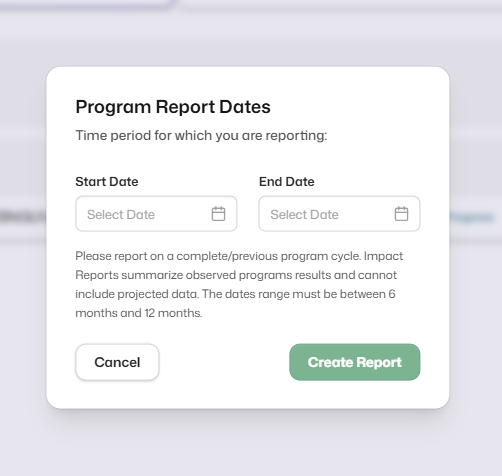
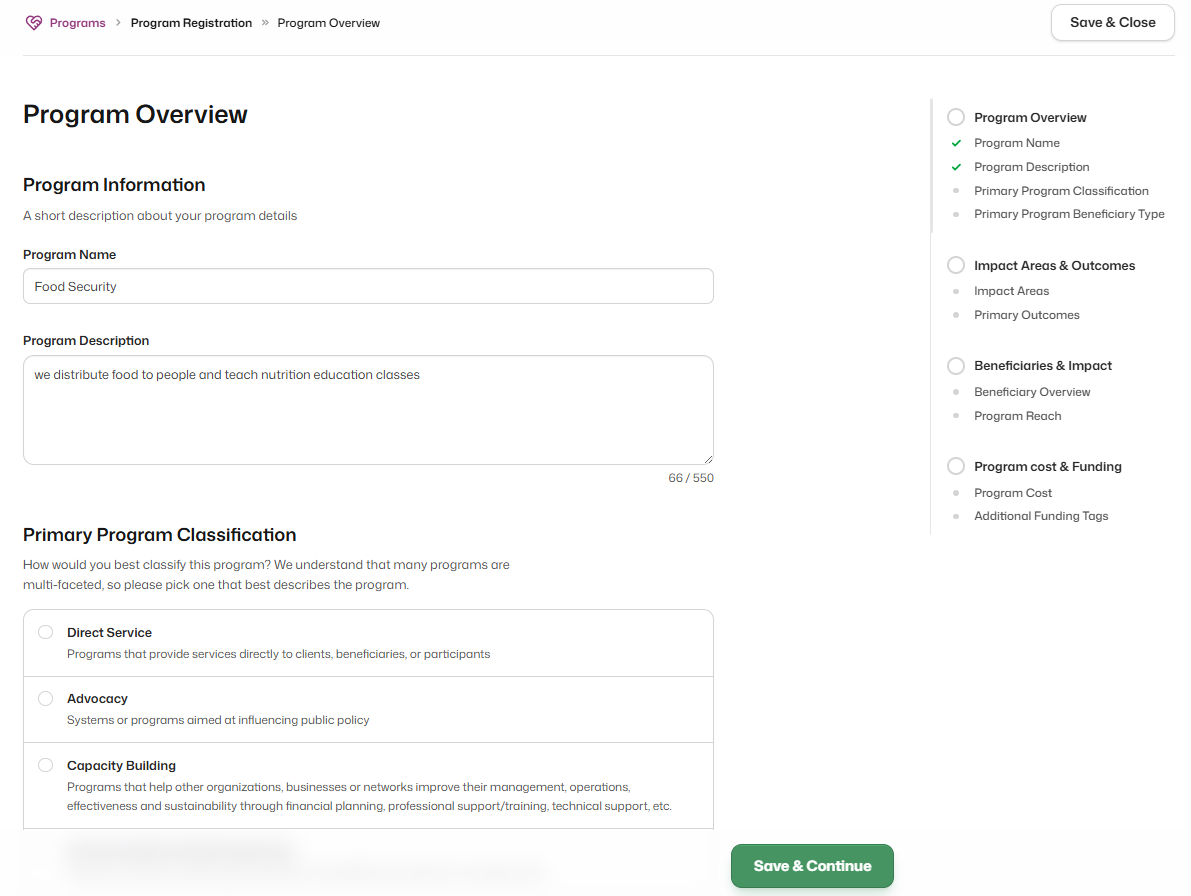
Impact reporting is designed to capture impact at the program level, so everything in the registry is organized around the concept of a social program.
What is a program?
A program is a distinct set of activities (core components) run by an organization that is intended to produce one or more social outcomes in a specific group of beneficiaries. An outcome is a measurable change in beneficiary status, behavior, or condition. A program must have a defined start and end date, usually (but not always) within a 1-year timeframe.
Examples of programs include:
- A program providing financial counseling services, workshops, credit reports, and debt reduction services to low-income households, toward building financial stability and meeting their housing needs.
- A program providing slow-paced, student-centered, small-group literacy instructions by trained volunteers to improve literacy in adults with limited literacy skills.
- A program working to decrease child hunger through the provision of nutritious meals to children in local schools who may not have access to food.
What is NOT a program?
While all organizations may conduct different activities for various purposes relevant to the organization or their funders, not all activities are considered programs. These types of activities are classified as unverifiable. Examples include galas, luncheons and one-time events not designed to produce any change in behavior, status, or condition.
How do you select a program?
When deciding what program to report on, consider the following:
- Significance to your organization: Choose a flagship program, a key focus of your organization, or a unique initiative that your organization would like to highlight its impact
- Availability of data: Consider whether the program has any existing data to demonstrate its impact
- Funder priority: If your membership was sponsored by a funder, the funder may expect you to report on the program that they support.
What if my funder supports general operations or multiple programs?
If you received general operation funding, you are not obligated to report on where the grant was spent if it’s unrelated to a social impact program (see above: what is NOT a program). But rather focus on one of the signature impact programs your organization runs. Funders usually want to understand what a typical program looks like, not an organization-wide impact or one-time events.